

AI for industrial engineering offices
Your industrial engineering office’s knowledge, reusable on every project.
On each project, your engineers rebuild what the office has already solved. Specifications, drawings, calculation notes and standards sit scattered across drives and PLM. Our systems read this existing material, connect it and turn it into reusable knowledge. The aim: find comparable projects faster, prepare quotes and check designs, without replacing the engineer.
Our services
- Custom design
- Opportunity audit
- AI agents
- Automation
- Business applications
Engineering Office AI brings together the AI systems that Assets 4.0 designs for industrial engineering offices.
- Read and use your existing specs, drawings and calculation notes.
- Find prior comparable projects in seconds.
- Draft quotes and specifications from what you have already done.
- Check designs against the standards that apply.
- Keep senior engineers' know-how inside the office.
These systems work around your CAD, PLM and document tools. They feed them and go further, without replacing them.
In brief
- Each study produces documents (specs, drawings, calculation notes, test reports). That knowledge ends up scattered: a folder per project, a drive per team.
- The work is framed by standards: CE marking and the EU Machinery Regulation. Add ISO 12100 for machine safety, the Eurocodes for structures, and sector rules for food, pharma and medical equipment.
- The data exists, but it is not searchable; each new project re-solves what was already solved.
- Putting existing material to work turns a document archive into reusable design knowledge, without adding a new tool.
What this pillar covers
From a document archive to reusable design knowledge
One common thread: put to work what your office already produces. These are the building blocks we design, all on your existing data.
Design & knowledge reuse
Find prior comparable projects, parts and calculation notes instead of starting each study from a blank page.
Technical quoting & estimation
Draft quotes and cost estimates from comparable past projects, so a first figure is quick and grounded.
Standards & compliance checks
Compare a design against the standards and internal rules that apply, and flag what an engineer should review.
Calculation-note knowledge base
Turn heterogeneous calculation notes and technical reports into a searchable, comparable knowledge base.
Specification drafting
Assemble a first draft of technical specifications from your templates and comparable projects, ready to refine.
Know-how capture & onboarding
Capture the reasoning behind past designs so junior engineers ramp up faster and expertise stays in the office.
CAD, PLM & document integration
Connect these systems to your existing CAD, PLM and document stores to enrich them, with no migration.
The problem
The knowledge of your studies exists, but it is not usable
An engineering office produces thousands of documents a year. Specifications, drawings, calculation notes, test and design reviews pile up, project by project, rarely linked or searchable.
Knowledge that sleeps in the drives
Specs, drawings and calculation notes accumulate folder by folder. No one connects one project to the next.
Reinventing what already exists
Each new study restarts from scratch: past work is hard to find and harder to compare.
Know-how that walks out the door
When a senior engineer leaves, years of design reasoning leave with them. Little of it is written down.
Use cases
Concrete use cases for an engineering office
Each system is built for a real question your teams face. Open a use case to see the problem, what the system does, the data it uses and the outcome.
01Find a comparable past project in seconds
An engineer knows the office designed something similar. Finding it means digging across drives, old PLM entries and email threads.
It searches your existing projects by description, part, function or standard, and returns the closest studies with their documents.
Past project folders, drawings and their metadata, specifications, calculation notes, PLM and SharePoint records.
A relevant precedent found in minutes, with its source files kept, so the new study starts from proven work.
02Prepare a technical quote from past studies
Quoting is slow. Someone has to dig up comparable jobs, hours and bills of materials first.
It gathers comparable past projects and their estimates, and drafts a structured basis for the quote to review.
Historical quotes and estimates, bills of materials, time records and the specifications of similar projects.
A faster, better-grounded first estimate. Your engineers adjust it; the system does not decide the price.
03Check a design against the standards that apply
Verifying a design against the right standards and internal rules is manual. A clause is easy to miss.
It compares the design and its documents against the applicable standards and highlights points an engineer should confirm.
Your standards library, internal design rules, checklists and the current project's specifications and calculation notes.
A clearer review, with each flag linked to its clause. The compliance decision stays with your engineers.
04Turn calculation notes into a knowledge base
Calculation notes and reports are written in many formats and tools. Their content is impossible to search or compare.
It reads these documents, extracts the useful content and brings it to a common, searchable and comparable structure.
Calculation notes, FEA and test reports, technical memos, spreadsheets and their exports.
A knowledge base your office can query, with each result pointing back to its original document.
05Draft technical specifications from your templates
Writing a specification from scratch is long. Useful sections from earlier projects get retyped by hand.
It assembles a first draft from your templates and comparable projects, keeping your structure and wording.
Your specification templates, past specifications, requirement lists and the brief for the new project.
A draft to refine rather than a blank page, produced faster and consistent with the office's practice.
06Capture know-how before it leaves the office
When an experienced engineer retires or leaves, the reasoning behind past designs goes too. It is rarely captured anywhere.
It structures past projects and their documents so the choices made stay accessible and easy to explore.
Design reviews, meeting notes, annotated drawings, calculation notes and project histories.
Faster onboarding for junior engineers and expertise that stays in the office, not only in one person's head.
How it works
How it works, from your existing sources
The same four steps, whatever the use case. We connect to what you already have, understand it, link it to context and give it back inside your workflow.
Connect
We connect to your existing sources: drives, PLM, an EDM/document store, SharePoint, Excel and past project folders. No migration.
Understand
The system reads your specs, drawing metadata, calculation notes and standards, and extracts what matters.
Link
Each document is linked to its project, its parts and the standards that apply, so the context stays attached.
Deliver
You get answers in your workflow: comparable projects, draft quotes, compliance checks, with sources kept and human validation.
How we work
Custom-built, from what you already have
Scoping, design and custom development are not separate offers. They are how Assets 4.0 engages on this pillar.
- We start from your real projects and tools.
- We frame the need with you, then design and integrate the system into your environment.
- We train your teams so they keep control.
- Your data stays with you; validating designs and calculations remains with your engineers.
- The tools we develop belong to you.
Let's talk about your studies and the tools your office already uses.
Assess my use caseHow we keep it reliable
Built to stay trustworthy
A system your engineers rely on is one they can check. Assets 4.0 keeps answers traceable and judgement human.
- Sources kept: each answer points back to the original document it came from.
- Human validation: engineers confirm designs, calculations and compliance calls.
- Your environment: the system works around your existing CAD, PLM and document tools.
- No black box: you can see where each element comes from, and correct it.
- Missing data is flagged as missing and left as a gap.
Expected results
What you gain by putting your studies to work
Faster quoting
Draw on comparable past projects instead of a blank page.
Knowledge that compounds
What the office solves once can stay findable and reusable for the next study.
Know-how that stays
Senior engineers' reasoning is captured and structured before it leaves the office.
Estimate, on your own studies, the time recovered on quoting and design reuse.
Find your way
Solution pillar or service?
Engineering Office AI
This solution pillar gathers the AI use cases Assets 4.0 addresses for industrial engineering offices. They cover design reuse, quoting, standards checks and knowledge capture, on your existing studies.
AI Systems Design
See how Assets 4.0 scopes, designs and builds a custom system.
See AI Systems DesignFrequently asked questions
What engineering offices ask us
What is an industrial engineering office?
An industrial engineering office (in French, a bureau d'etudes) is the team that designs equipment, machines, structures or installations. It produces specifications, drawings, calculation notes and design reviews.
Assets 4.0 designs AI systems that put these existing documents to work. An office can then reuse its own studies, quote faster and check compliance, without changing its CAD or PLM tools.
How can AI help an engineering office without replacing our CAD or PLM?
Assets 4.0 designs systems that work around your existing tools rather than replacing them. They read the documents your CAD, PLM and document stores already hold, make them searchable and comparable, then return answers inside your workflow.
Your teams keep the tools they know. The system feeds them and connects studies that today live in separate folders.
What existing data does Assets 4.0 use?
Assets 4.0 uses the material your office already produces: specifications, drawings and their metadata, calculation notes, test and design-review reports. It also uses bills of materials, historical quotes and your standards library.
It reads them from your drives, PLM, EDM, SharePoint and Excel files. A new document format is calibrated on your real files. The original sources are kept.
Can AI speed up technical quoting?
Yes. Assets 4.0 systems gather comparable past projects, their bills of materials and their historical estimates, then draft a structured basis for a new quote. This gives a faster, better-grounded first figure. Your engineers review and adjust it: the system prepares the ground work, it does not set the price on its own.
How does AI help check a design against standards?
The system compares a design and its documents against your standards library and internal rules. It highlights the points an engineer should confirm, each linked to its clause. It supports the review; it does not certify. The compliance decision stays with your engineers, who keep the final say on each flagged point.
Does our data have to move to the cloud?
Not by default. Assets 4.0 designs each system around your constraints. Processing can run locally, on your machine or your network, when your office needs it. The right setup depends on your data and your IT policy. We frame it with you at scoping, rather than imposing a single hosting model.
Does the AI replace our engineers' judgement?
No. The system gathers, structures and highlights. It finds comparable projects, drafts documents and flags points to review. The technical judgement, the design choices and their validation remain with your engineers. Each answer keeps its source documents, so a decision can be traced back to the material it rests on.
Can it capture the knowledge of senior engineers before they leave?
Yes, that is one of the most valued use cases. Assets 4.0 structures past projects, design reviews and calculation notes so the reasoning behind them stays accessible. When an experienced engineer retires or moves on, their studies remain explorable across the office. That shortens onboarding for junior engineers and keeps expertise in-house.
How do we start a project with Assets 4.0?
It starts with a conversation. We start from your real studies and the tools your office already uses. Together we frame the first use case to put in place, most often design reuse or quoting. From there the system is extended step by step, on the same data. Contact us to assess your use case.
Sectors
Expertise in regulated environments
The same approach applies where design, traceability and compliance matter most: food, pharmaceutical and medical.

Food
Reuse your machine and line designs and check them against hygienic-design and food-contact requirements, drawing on the studies your office has already produced.
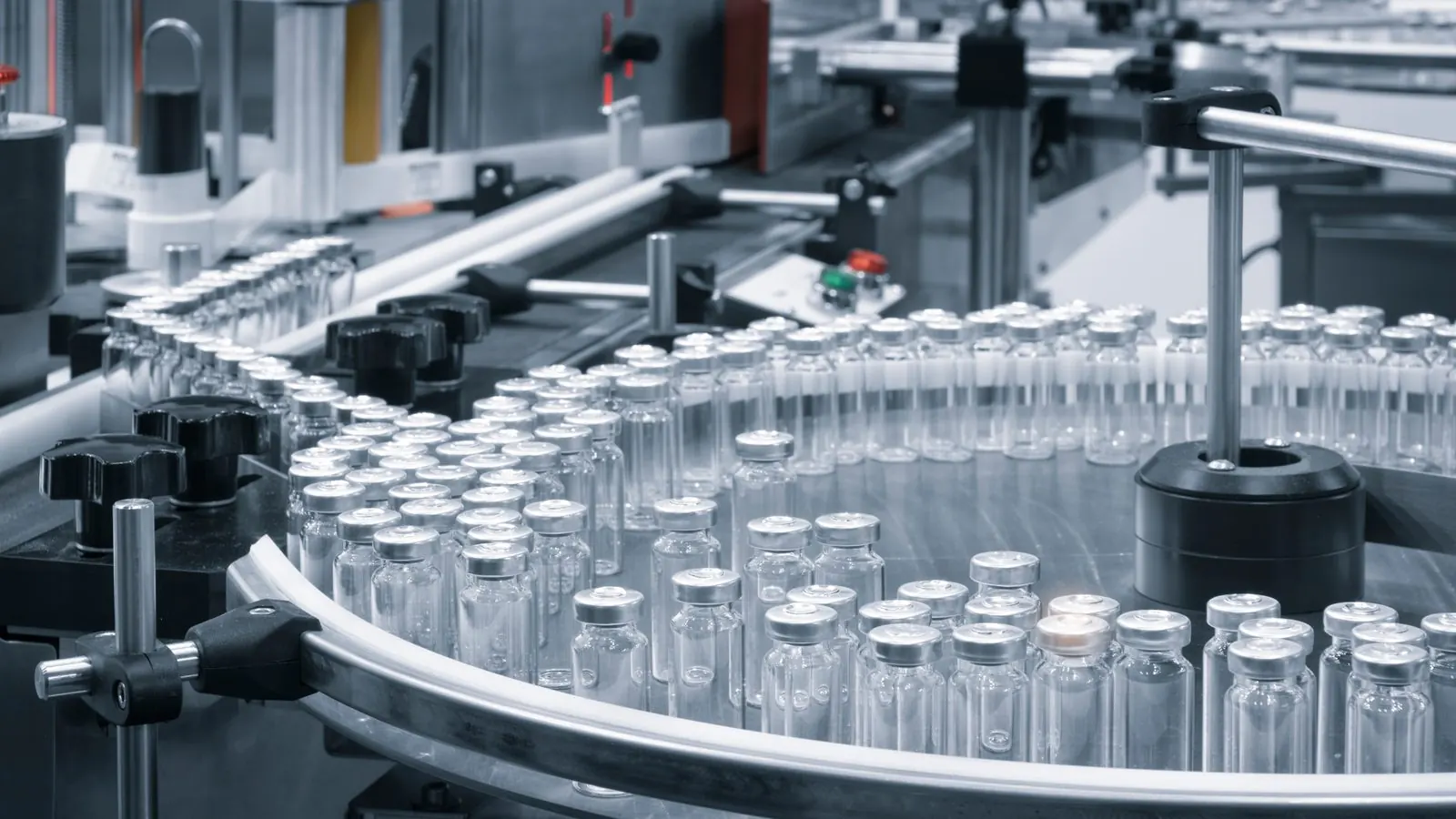
Pharmaceutical
Find comparable equipment studies and keep specifications and calculation notes traceable, to support design and qualification in a GMP environment.
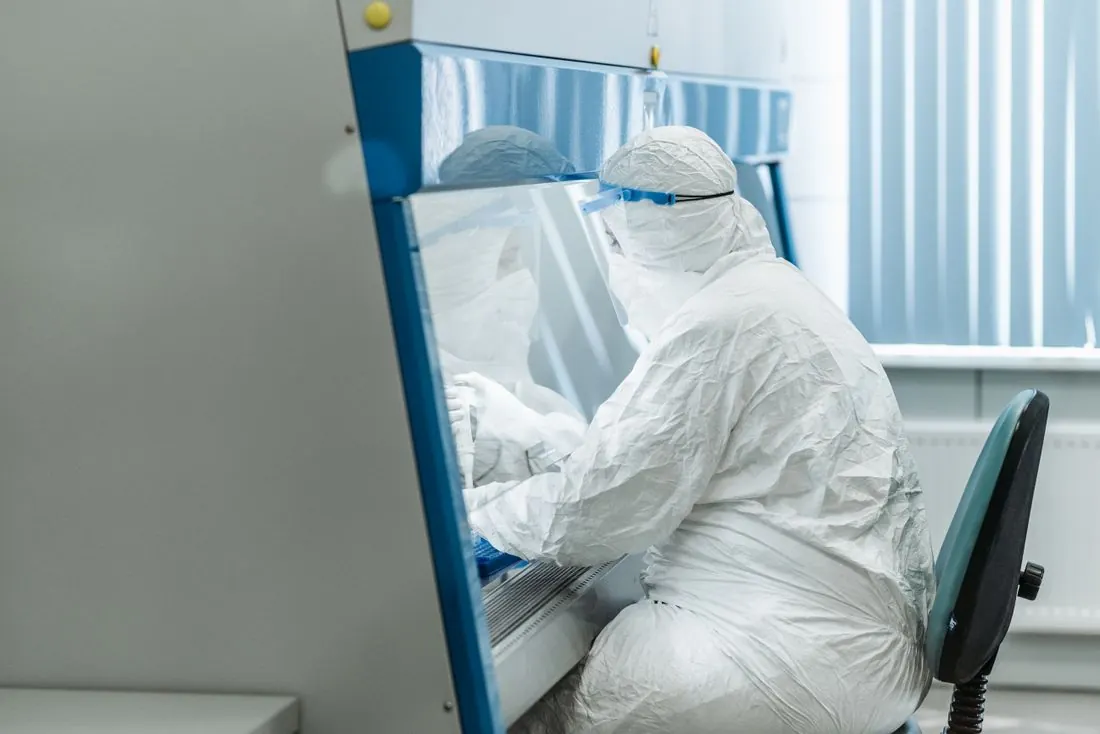
Medical
Reuse device design knowledge and keep the documentation trail your studies rely on, from specification to design review.
Engineering Office AI
We build the AI system for your engineering office.
Quoting time, design reuse, standards checks and know-how that stays. We design the custom system that answers them, starting from your specs, drawings, calculation notes and standards. Knowledge to design with.
Assess my use caseLet's put your engineering office's knowledge to work.
Start from your real studies and the tools you already use. We frame the first use case together, with no commitment.
